15+ creative lesson ideas for students with different interests
 Lucie Renard —
One of the biggest challenges in teaching is keeping students engaged. Even the best lesson plan can fail if students simply aren’t interested in the topic or the format.
A powerful way to improve engagement is by connecting lessons to students’ interests. When students feel ownership over what they learn or how they present it, motivation increases dramatically.
Of course, personalizing every lesson for every student is impossible. It would take far too much time.
Fortunately, modern education technology and AI tools make it easier than ever to offer student choice and differentiated learning activities.
In this post, you'll discover:
- Apps that help personalize learning
- Creative lesson ideas
- Modern tools that replace older technologies
- AI tools that help teachers create content
Apps & lesson ideas that appeal to your students' interest
BookWidgets
 BookWidgets allows you to make interactive lessons. It provides strong templates of all kinds of interactive exercises. You just have to add your own content. Choose between more than 40 different widgets or “apps” to engage your students. Make your own adapted crossword riddles, jigsaw puzzles, web quests, quizzes, timelines and much more.
Lesson ideas with BookWidgets
BookWidgets gives teachers the tools to create almost anything for their classroom. To help you respond to your students' different interests, I have selected a few widgets that are perfect for personalized learning. Below, I will show you more than 15 BookWidgets examples you can use to design engaging and interactive activities for all kinds of learners.
1. Build classroom community using student images and stories
Use your class picture to get to know each other. Let your students send in a little text about them. It's something different than the traditional introduction games. Check out what I mean by clicking on the image below.

This example shows some basic information, but you can go much further with a Hotspot Image. Let your students choose a fun video that tells something about them, without being too explicit. Now students can watch all the videos on the Hotspot Image of their fellow students and try to find a link between the student and the video. What a fun way to get to know each other!
2. Encourage student interest through choice and variety
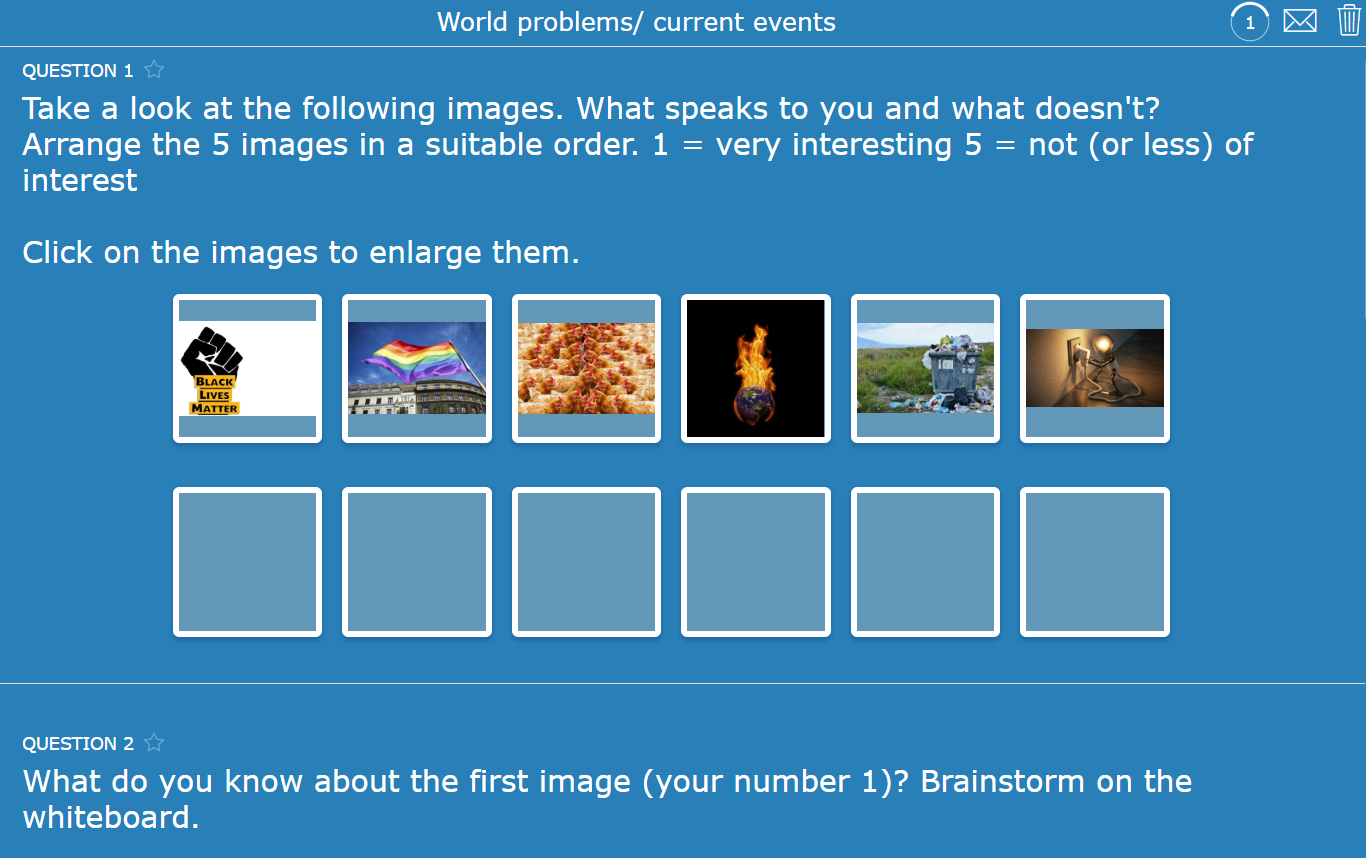
Take a look at this example I made to give students a choice. The idea is to let students choose a topic that interests them. The worksheet is perfect because of all the diverse question types. Using different and interactive question types like these keep students interested and motivated.
3. Differentiate reading assignments with fun creative tasks
This book review activity combines a solid book report with creative choices like making a video scene, designing a new cover, or doing a character interview all using BookWidgets. You can easily differentiate instruction and keep assessments fair while boosting student motivation and helping them really understand the book. It’s a simple way to make reading assignments more interactive and personalized for your classroom.

4. Motivate students with interactive quizzes and competitive fun
With this interactive Quiz activity, you can engage your students using questions that provide instant feedback. This is especially good for students who love games or like to win. To boost their motivation and encourage participation, you can use "Live Widgets" for live monitoring on your digital board, creating an exciting real-time leaderboard. Or, if you prefer, design a custom leaderboard template ahead of time and simply update student names (and scores) once the Quiz is finished.

💡Pro tip! Help all students follow along with text-to-speech. Turn on text-to-speech in your widgets so students can select text and hear it read aloud. Great for accessibility and language support!
5. Engage diverse learners with fun quizzes perfect for breaks
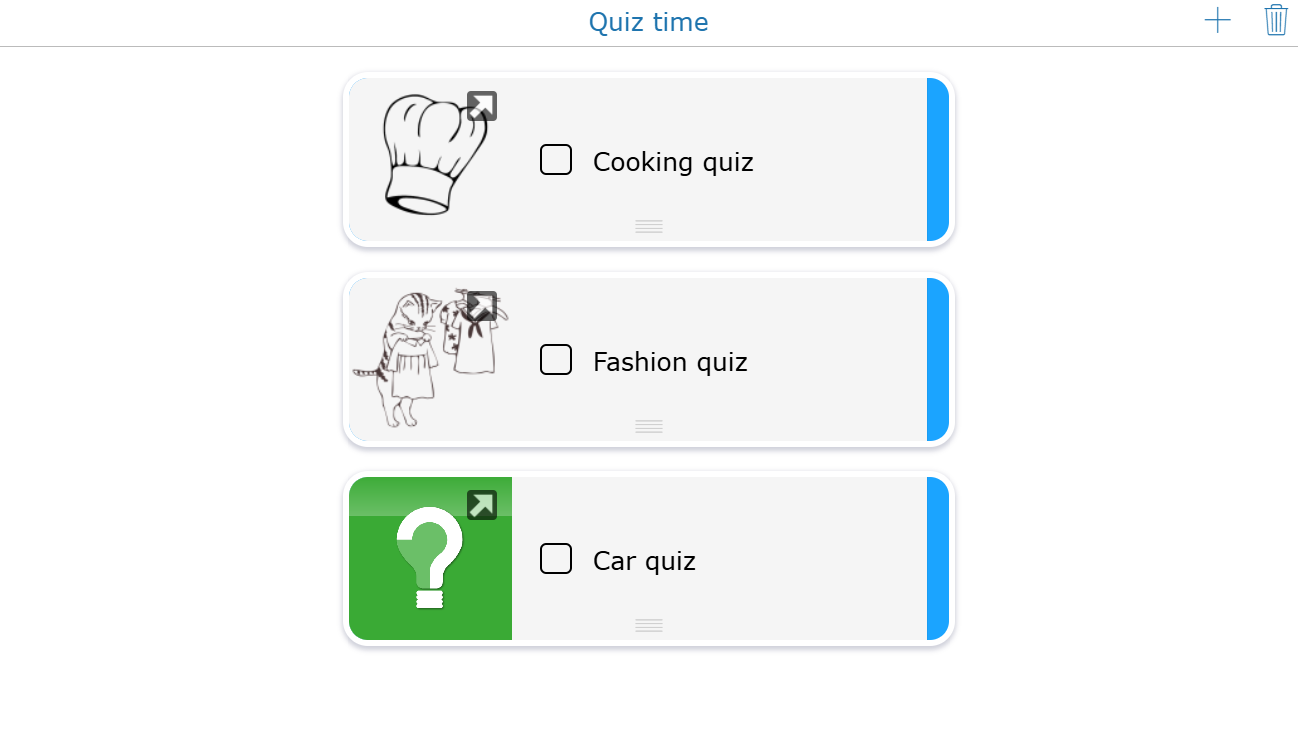
Keeping students motivated can be tough when they have diverse interests. That is why I created a quiz planner featuring three fun and interactive quizzes on fashion, cars and cooking topics that many students enjoy. The best part is that as a teacher you can add quizzes you already have or create new ones to include making the planner a growing resource that fits your students unique tastes and curiosity. This flexible planner is perfect for free time activities or quick classroom warm ups.
6. Make vocabulary learning fun with bingo activities
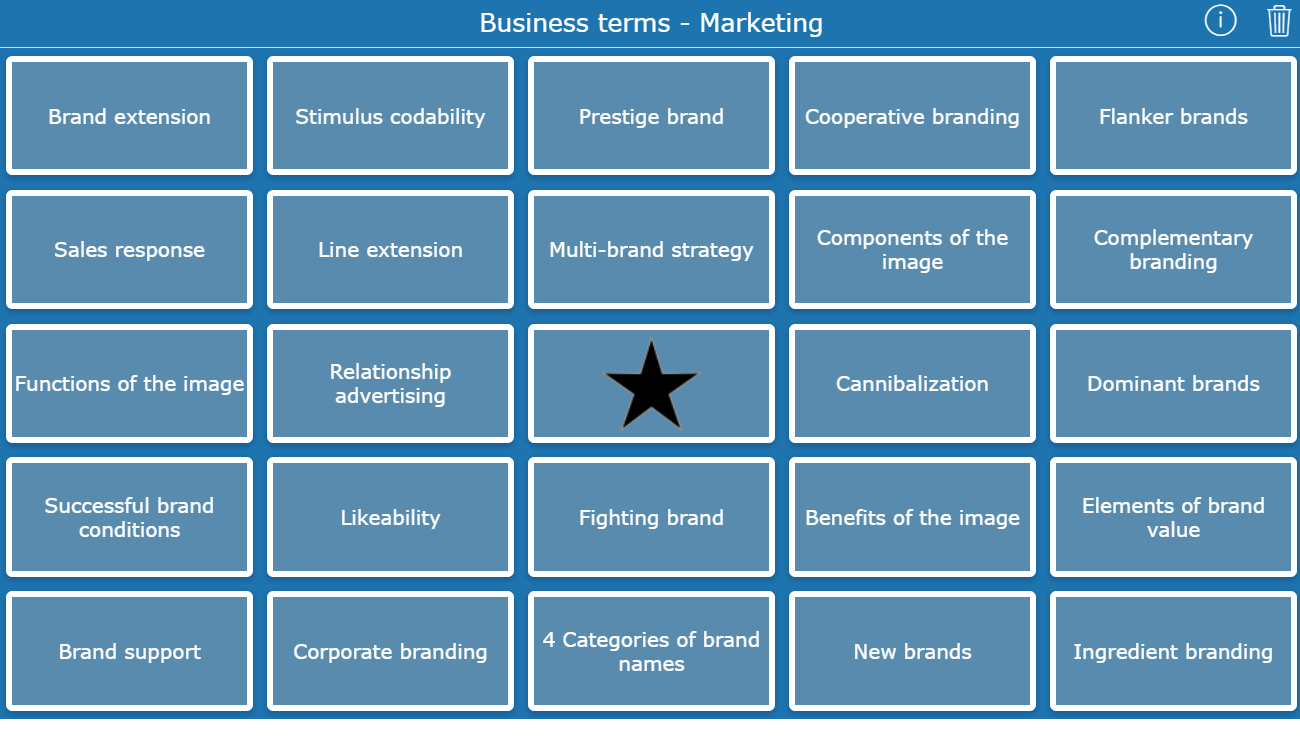
A game like Bingo might seem childish at first but it is a highly effective way to boost student engagement and learning. If your students enjoy games and most do they will love this interactive Bingo activity. In this version each Bingo card contains vocabulary words and you will read aloud definitions. Students then check if their card has the word that matches the definition.
Reminder! Be sure to keep a list of the definitions you read so you can check if your students have a correct Bingo. 😉
7. Engage students with visual learning games
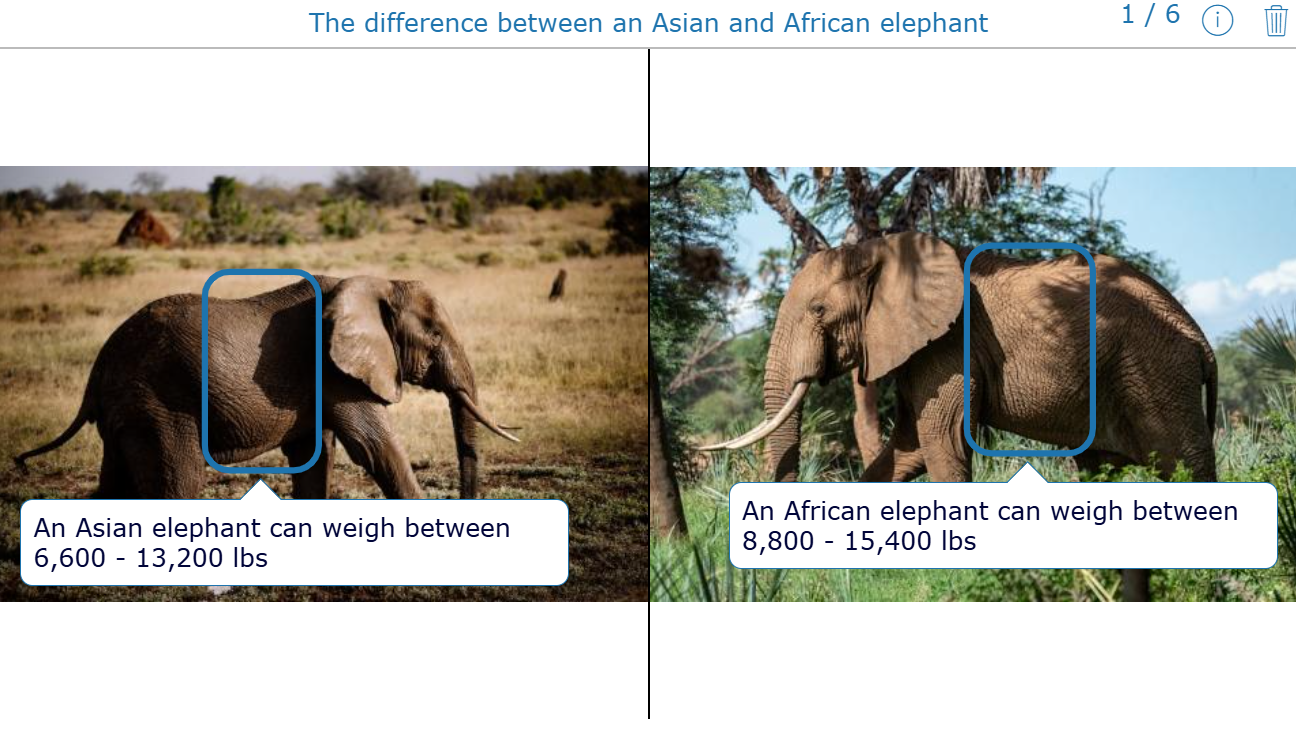
A game that everyone loves is Spot the Difference, and the best part is you can use it in almost every class! This interactive activity challenges students to carefully observe two similar images and find differences between them.
For example, try this Spot the Difference activity comparing the African and Asian elephant. Students will learn key facts about these fascinating animals while having fun spotting differences in their images. It’s a perfect way to combine visual learning with subject content, whether you’re teaching science, geography, or language arts.
💡Pro tip! Reward students in multiple ways. When students complete a game activity, you can motivate them with a reward in the form of text, audio, or even an image. Choose what works best to keep them engaged!
8. Spark curiosity with interactive experiment choice
Use the Image Carousel widget to upload images that represent different science experiments. Show the carousel to your students and ask them to pick the experiment they find most interesting. Once they have chosen, let them perform the experiment and record their observations or answer related questions.
This approach gives students choice and ownership of their learning, making the activity more engaging and personalized. It also supports differentiation by allowing students to work on experiments that match their curiosity and skill levels.

9. Make critical thinking meaningful with short films
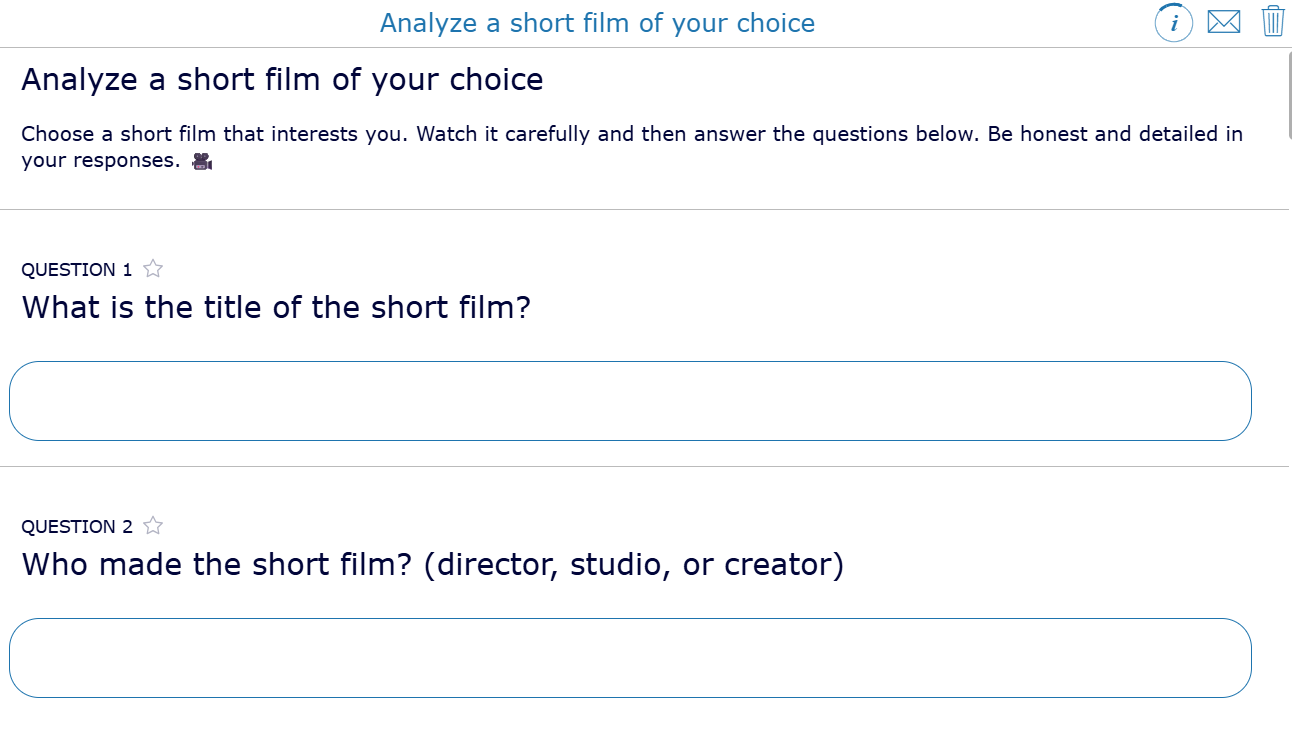
This activity helps students develop critical thinking and media literacy skills in a way that feels personal and engaging. By letting them choose a short film that matches their own interests, you combine essential analytical skills with their unique passions. It’s a simple but powerful way to make reflection and analysis meaningful for every student.
💡Pro tip! Schedule and reclaim exam feedback for more control. Set a date to send feedback to your students at the perfect moment, and decide how long they can view it by reclaiming access later. Perfect for managing feedback flow in your classroom! (Available when your BookWidgets account is connected to an LMS.)
10. Boost student motivation with choice-based presentations
This geography activity lets students choose a European country from an Image Carousel and create a five-minute presentation about it. They can pick how they present their work with a slideshow, poster, mood board or another creative format. By giving students choice in both topic and presentation style, you increase motivation and make the assignment more engaging. It is a great way to combine geography content with creativity and student interests.

Halo AR
 Halo AR is a user-friendly augmented reality app that allows you to quickly create immersive AR experiences. You take a photo of a flat object such as a book cover or poster and attach digital content like videos, 3D models, or animations. When users scan the object with the app on their iOS or Android device, the digital content appears and brings the physical item to life.
The app is designed to be easy to use and does not require technical expertise. Whether you want to enhance classroom lessons, add interactive elements to artwork, or present products in innovative ways during meetings, Halo AR offers a versatile platform that blends real-world objects with engaging digital media. This method captures attention and enriches both learning and user experiences.
Check out this tutorial from Tech Tips 411 on how to use Halo AR:
Lesson ideas with Halo AR
11. Get to know your classmates
You can make your class photo interactive, just like you can with the Hotspot Image widget in BookWidgets. Try enlarging the picture and make it interactive. Ask your students to record a short video about themselves, sharing their hobbies, family, and interests. With Halo AR, you can link these videos to their faces on the class photo. When students scan the picture with the app, the videos appear, allowing them to get to know their classmates in a fun and engaging way.
12. Interactive history posters
Students create posters about a historical event or figure. Using Halo AR, they add videos, audio narrations, or 3D models that bring the topic to life when scanned. This helps deepen understanding and engagement.
13. Elevate art lessons
Let your students create physical artworks or digital designs and use Halo AR to add their artist statements, process videos, or animated versions of their work. This adds a multimedia dimension to art presentations.
Minecraft
 Minecraft is a popular virtual game where children can build and break structures using cubes. This creative game allows kids to explore, design, and collaborate in endless digital worlds. Minecraft is available on tablet, smartphone, and PC, making it easy to play anywhere.
Lesson ideas with Minecraft
Below you will find 4 different educational Minecraft activities to use in your lessons. These ideas can help you support your students’ learning process and make lessons more engaging.
14. Learn new skills
Students can learn and improve various skills through educational Minecraft activities, such as creativity, problem-solving, and spatial awareness. Because many students are interested in the game, it offers a fun and engaging way to connect their interests with educational goals.
I’m sure that learning the skill “spatial awareness” is not interesting when it comes to counting cubes on a piece of paper. To spice things up, and to really appeal to your students' interests, use Minecraft. It's a handy tool for students who have problems with spatial orientation. Their interest in the game can be an interesting stepping stone to visualize exercises and to get students to practice.
15. Support mathematical subjects
Teach your students work with scale. Let them build the classroom or the school in Minecraft at a certain scale (eg. 1 block = 1 meter). Or practice calculating Areas (w x l) and volume (w x l x h) through the app.
16. Stimulate interest in language lessons
Let your students create a world in Minecraft that refers to a book. You can also let them create impressive scenes out of the book or let them invent a story and create a world around it. Let them present their story and world afterwards.
17. Explore visual arts and perspectives
Let your students build something in Minecraft during art class. Then they have to paint it in 4 different perspectives.
How AI supports the creation of varied educational activities
If you’re a teacher looking for fresh ideas, AI can be your creative assistant. It’s not about AI replacing your expertise but about helping you generate new activity ideas quickly and easily. AI tools can inspire you with suggestions tailored to your subject and students’ interests.
For example, if you’re teaching a unit on ecosystems, AI can suggest activity ideas such as group projects, writing prompts, or hands-on experiments that align with your learning goals and your students’ interests. These AI-generated ideas give you a creative boost you can customize to your classroom.
It saves you time and encourages thinking outside the box, especially when you have a busy schedule. However, your personal understanding of your students and teaching style are essential. AI cannot replace the human touch that makes lessons meaningful. Think of AI as a helpful tool in your teaching toolkit that supports you. It helps you explore new ways to engage students while keeping you in control of your classroom
Prompts you can use to create different activities based on your students’ interests:
- Prompt 1: “Suggest group activities for teaching [subject] to students who are passionate about [interest].” ➡️ Example: Suggest group activities for teaching math to students who are passionate about sports.
- Prompt 2: “Design a science experiment on [topic] that connects with students interested in [interest].” ➡️ Example: Design a science experiment on chemical reactions that connects with students interested in cooking.
- Prompt 3: “Create vocabulary-building exercises related to [topic] for students interested in [interest].” ➡️ Example: Create vocabulary-building exercises related to literature for students interested in fashion.
- Prompt 4: “Design a role-play or simulation activity on [topic] for students who enjoy [interest].” ➡️ Example: Design a role-play or simulation activity on government systems for students who enjoy video games.
Wrap up
These are just a few apps and lesson ideas. You can do so much more. The possibilities are infinite. You can put QR-codes in the 4 corners of your classroom and let your students discover them. Let them choose one QR-code assignment that they find interesting to solve.
Even Pinterest comes in handy. What did you expect? It's Pinterest. Let your students pin cartoons that refer to the world and its problems. Then they have to repin at least one pin from the other students and explain why they have chosen that pin.
These are just a few ideas. I'm sure you have a lot more ideas that trigger your students' interests.
A big thank you to Hanne Rosius, Koen Vanderhoudt and Dorien Wassink for the inspiration!
Do you have more ideas? Share it in our Facebook Teacher Community or mention us on Instagram, Bluesky or LinkedIn.
And me? I’m Lucie from BookWidgets. I’m happy to connect with you personally on X or LinkedIn.


